Product Introduction
Brand Philosophy
Make English writing improvement more efficient and simple
Our Hope
Our hope is that this product can truly help self-study candidates with limited budgets who need to improve their scores, becoming the most reliable partner on their journey to improve their writing scores.
What We Can Do
For Task 1 and Task 2 essay correction:
Instant scoring based on writing criteria, sentence-by-sentence correction, from vocabulary collocations to logical structure, committed to not missing any detail.
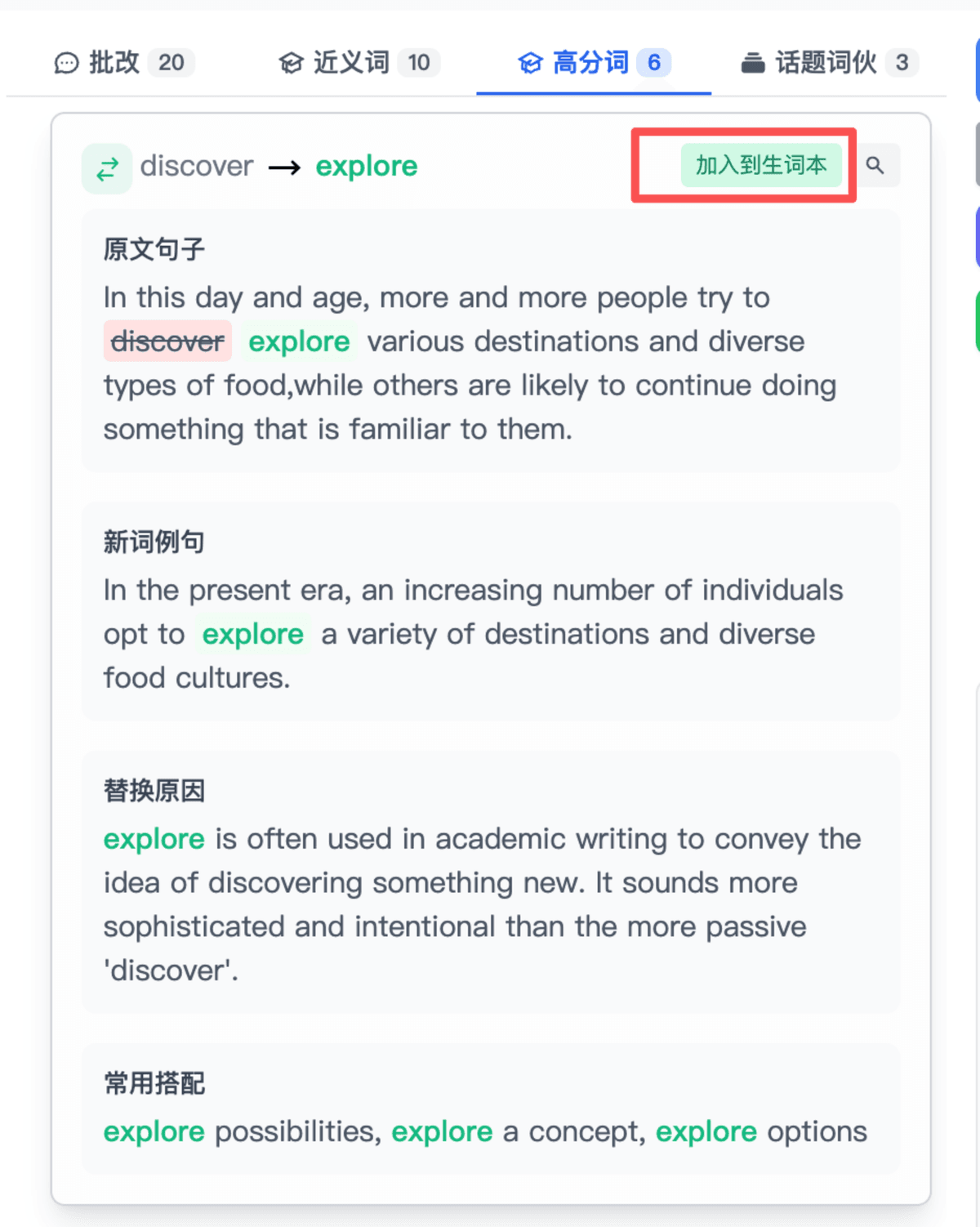
Provides synonyms, high-scoring words, and topic collocations that can be added to your vocabulary book for learning quality high-scoring expressions.
Provides model essay generation, candidates can generate a model essay based on the corrected essay for comparative learning.
Provides review reports: tracking training data, breaking down four-dimensional abilities, in-depth error analysis, exclusive language upgrade package, and phased plans.
Provides current season topics, candidates can practice with random topics with timing.
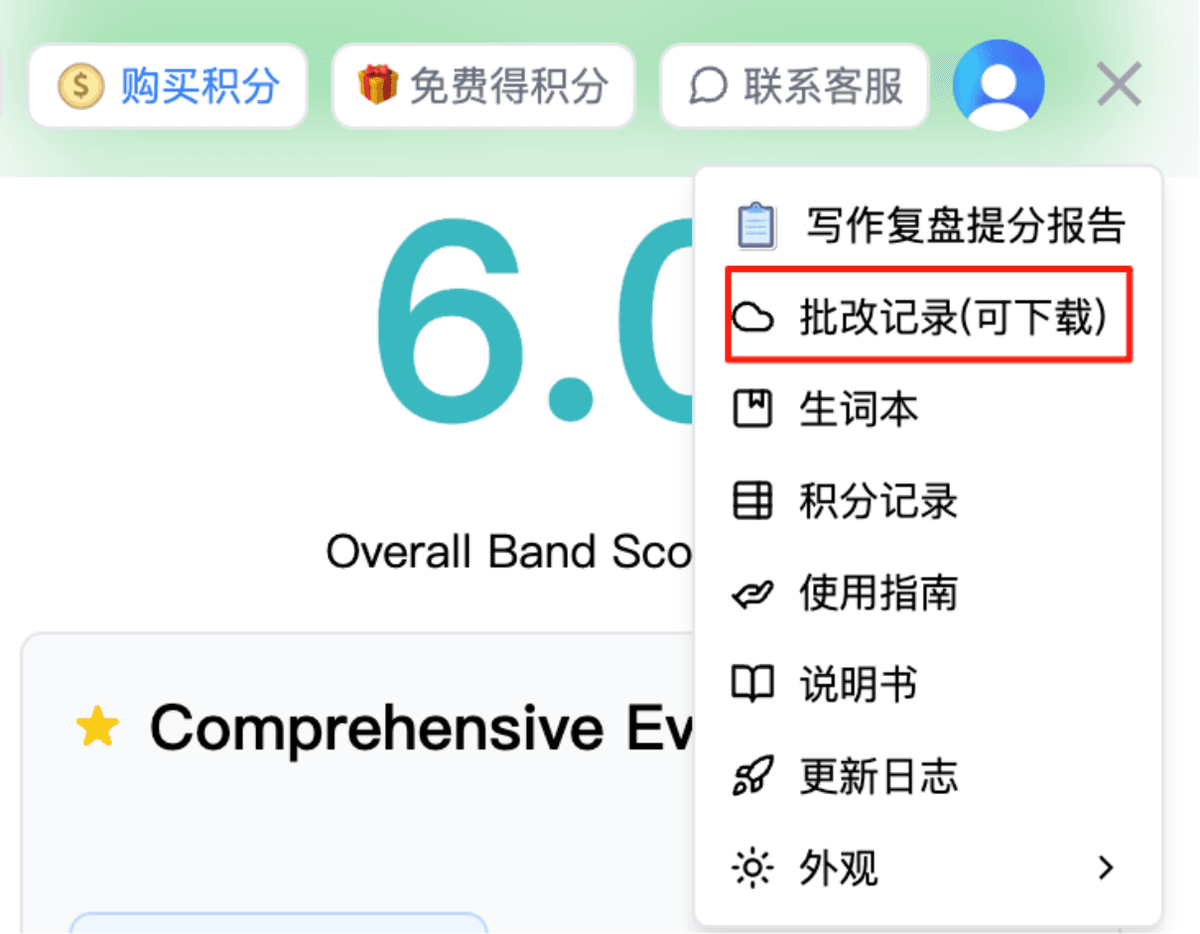
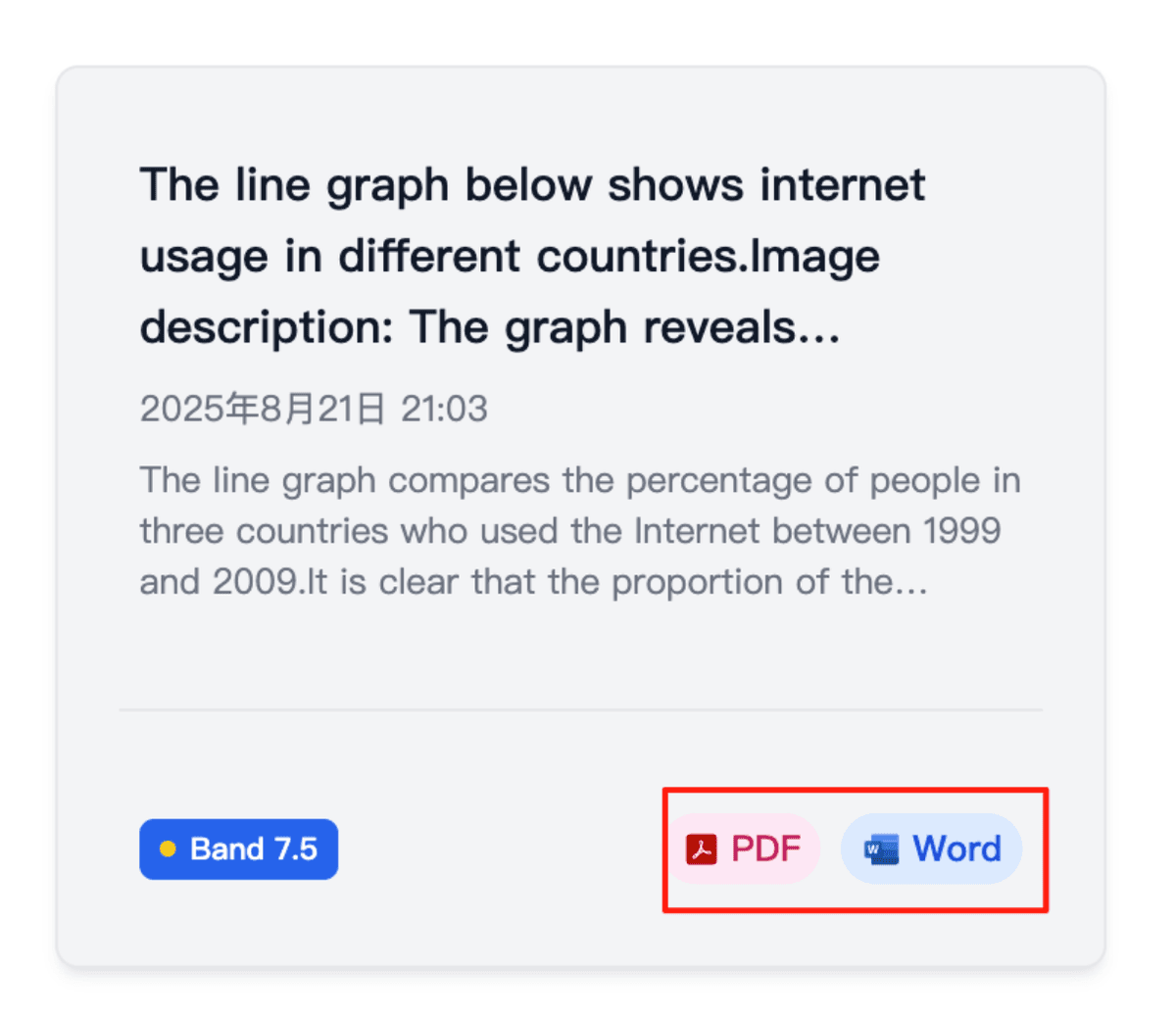
Provides correction record tracking, candidates can download correction PDFs anytime for learning.
How to use ielts9.me for essay correction?
Register and Login
Register with email, each new user receives 1 credit for a free trial correction. 1 correction costs 1 credit. If you don't have enough credits, go to 'Buy Credits' in the top right corner. Once your account has credits, you can start essay correction.
Clear Example
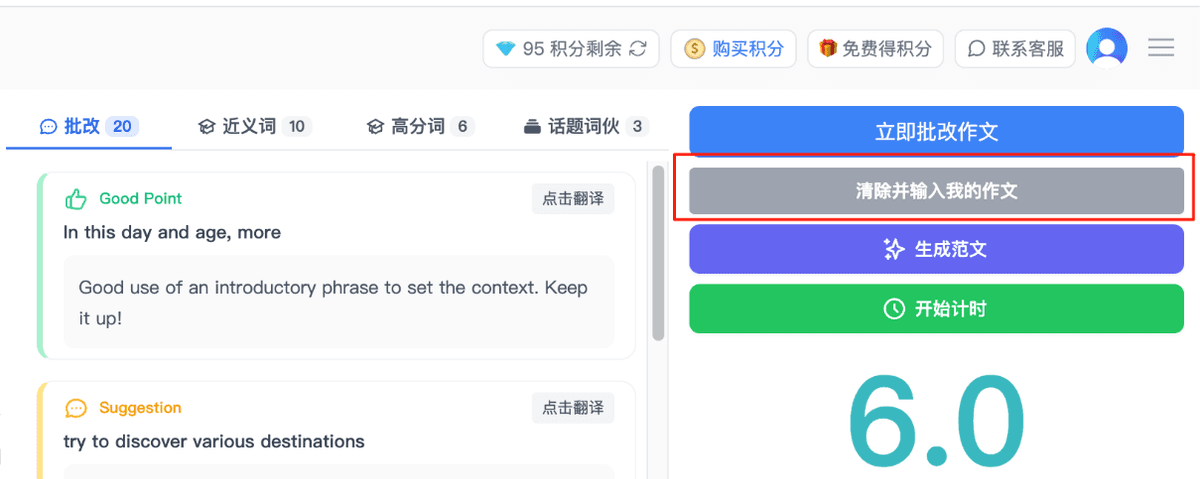
Click the gray bar 'Clear and enter my essay' in the top right corner to clear the example essay on the page.
Enter Topic
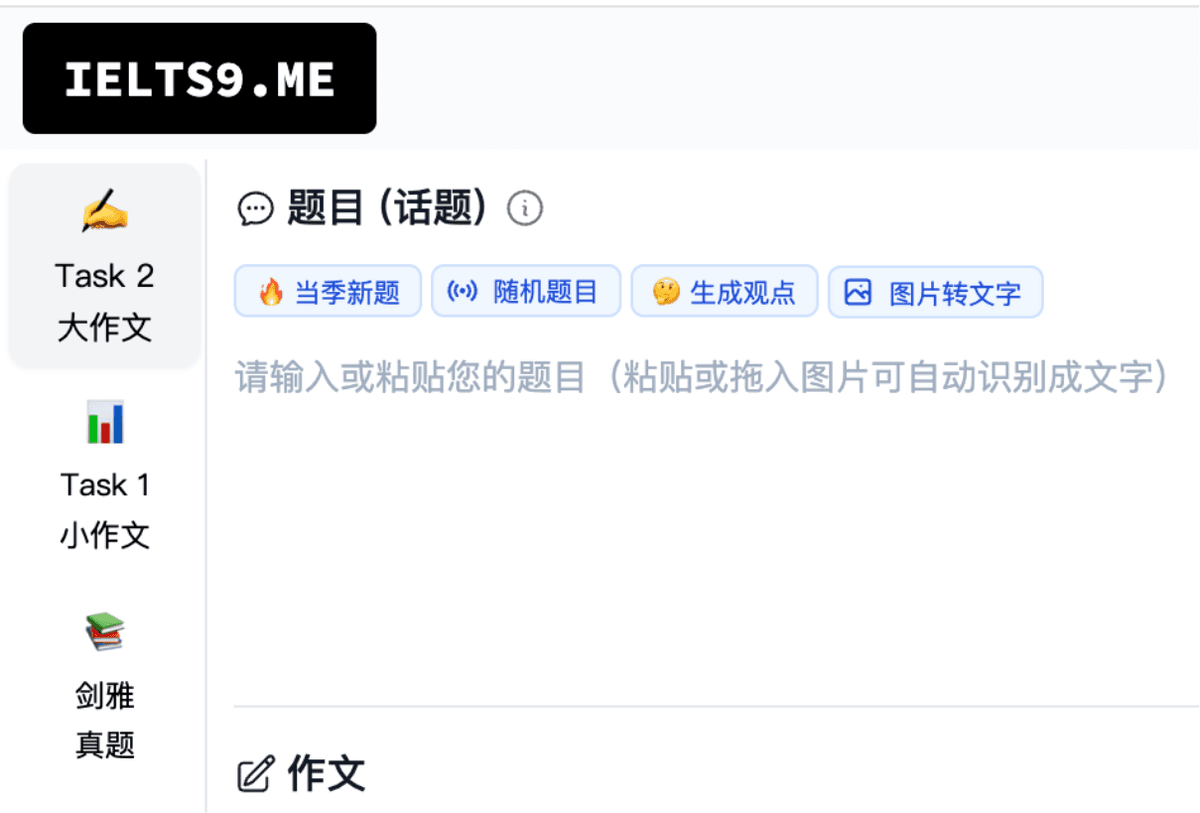
Paste your essay topic into the 'Topic' field. You can also paste or drag an image for automatic text recognition.
Enter Essay
Paste your written essay into the 'Essay' field. You can also paste or drag an image for automatic text recognition.

Correct Now
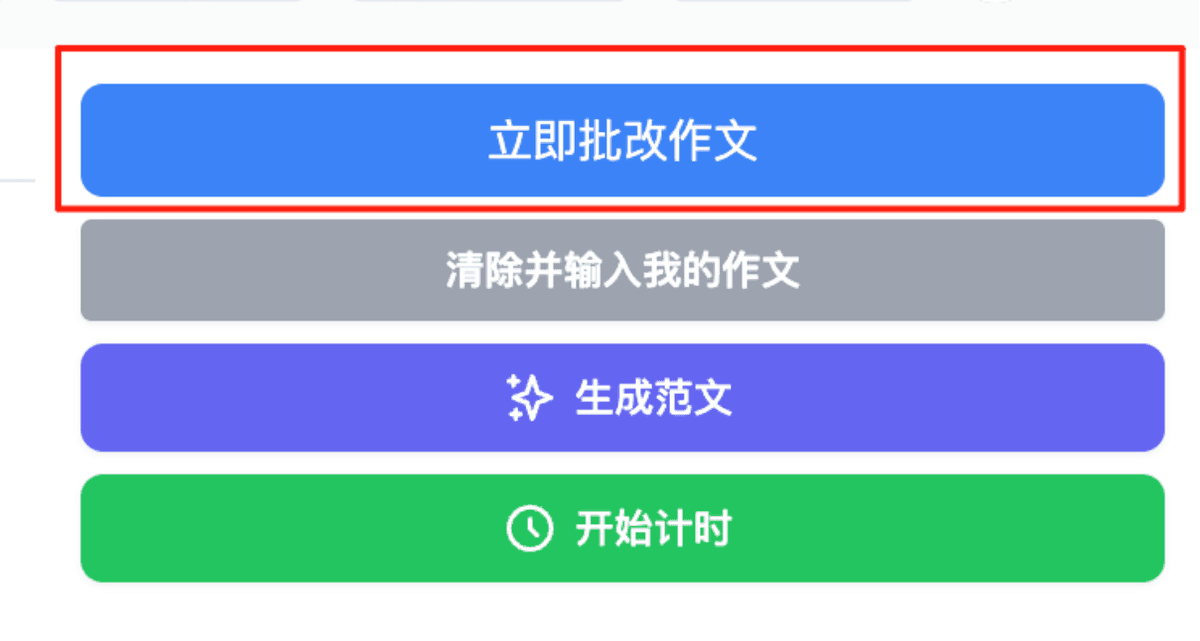
Click the blue bar 'Correct Essay Now' in the top right corner to complete the correction.
View Translation
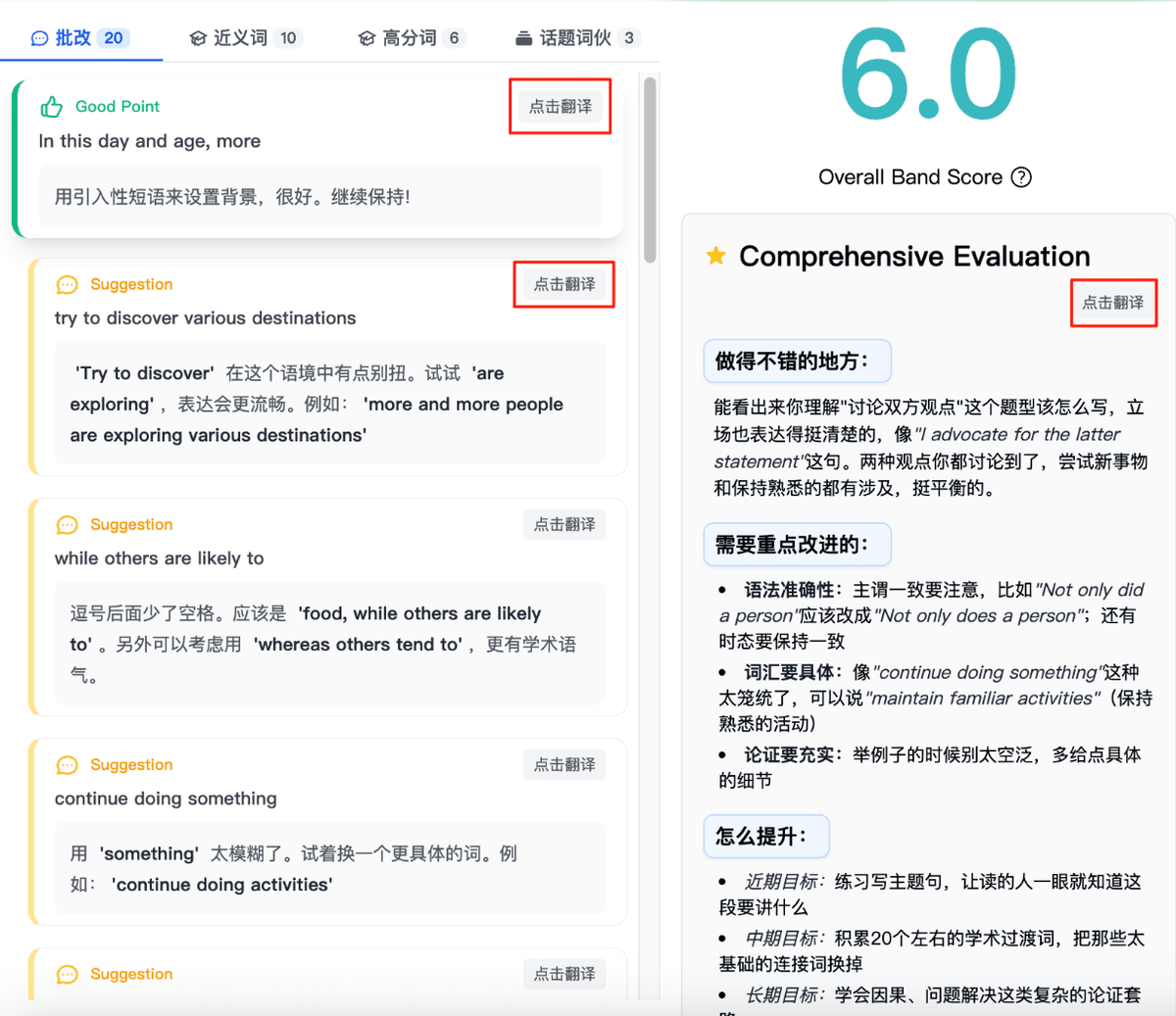
If you can't understand the English correction suggestions, click the 'Translate' button to view Chinese correction suggestions.
Vocabulary Book Management
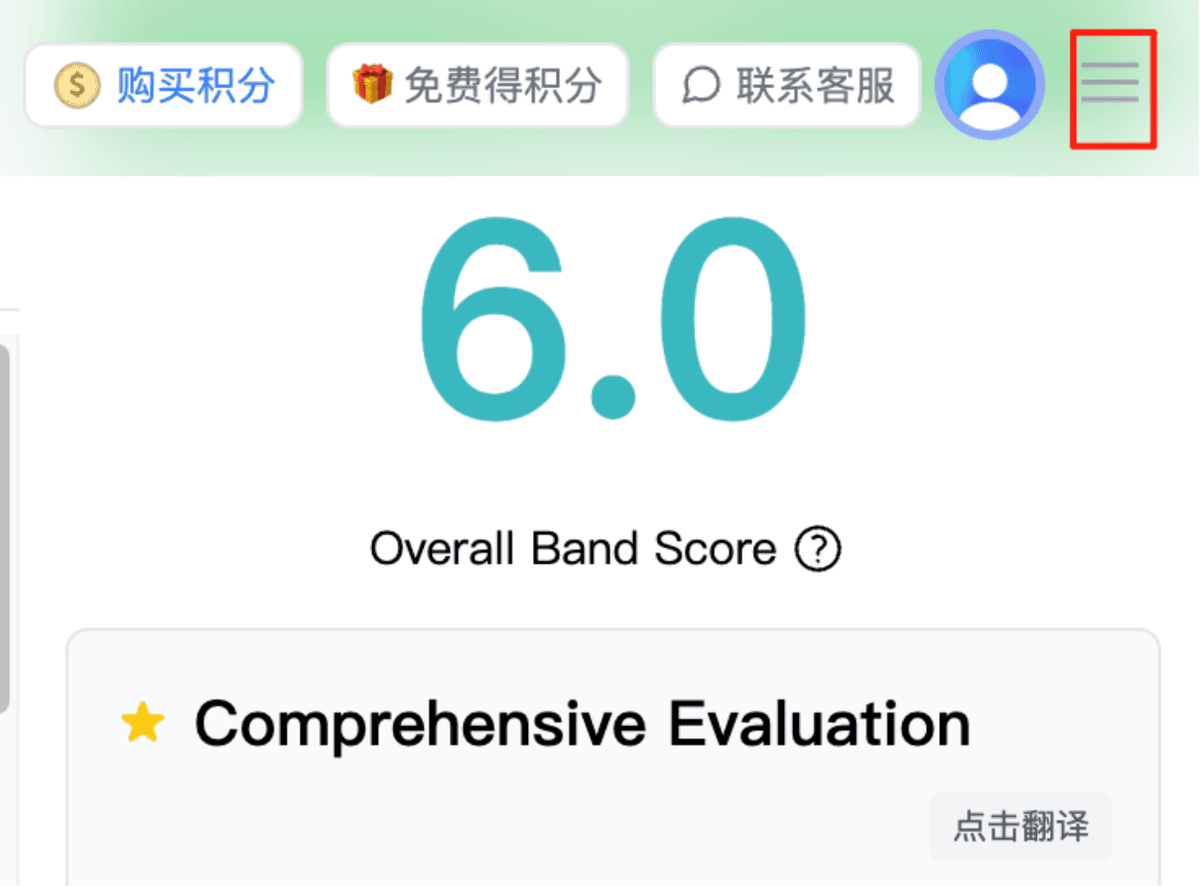
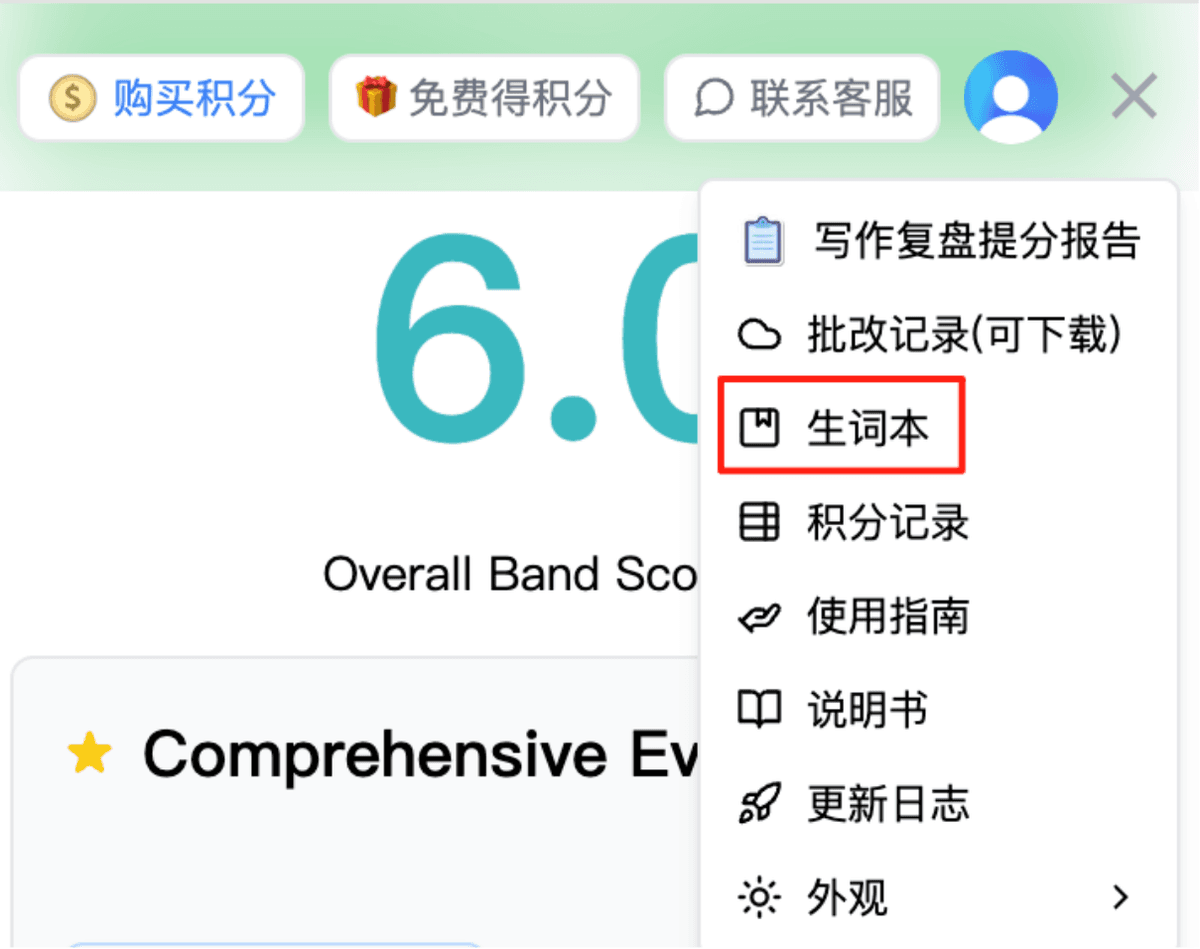
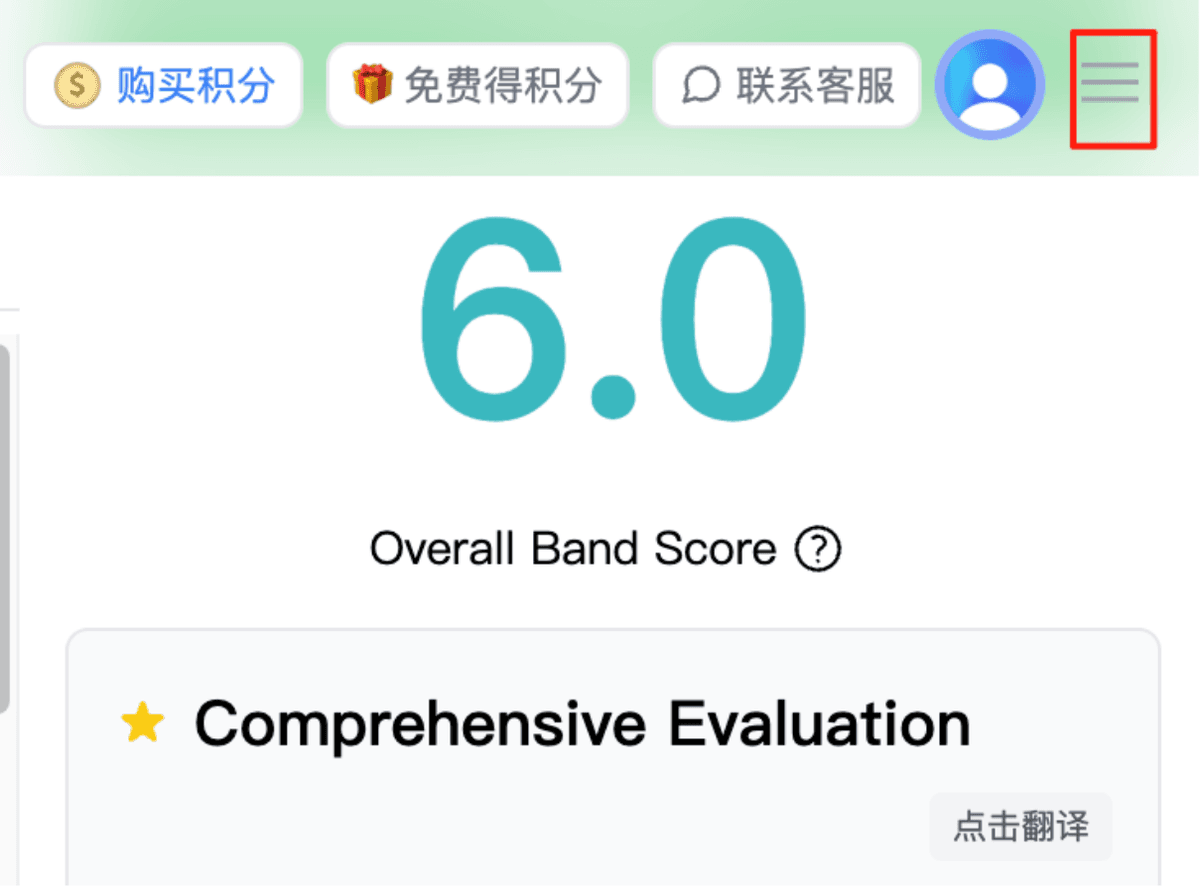
In the synonyms, high-scoring words, and topic collocations sections, you can add needed vocabulary to your vocabulary book. Click the three horizontal lines in the top right corner to view your vocabulary book.
Export Records
After correction, if you want to export the correction records, click the three horizontal lines in the top right corner, then click 'Essay History (downloadable)' to download Word/PDF versions.
Common Q&A
Changelog
We continuously optimize product features and user experience. Here are the recent updates:
September question bank updated
Updated the question bank with September topics.
Login improvements
Improved login reliability.
Question bank updated
Updated the Task 1 and Task 2 question banks with July–August topics.
Current-season topics and computer-based mock tests added
Added current-season topics and computer-based mock tests.
Question bank updated
Question bank has been updated.
PDF export optimization
Optimized PDF export so tables and similar content are not affected by pagination.
View more updates at Full changelog
Need Help?
If you have any questions or suggestions, feel free to contact us anytime. We will reply as soon as possible.